

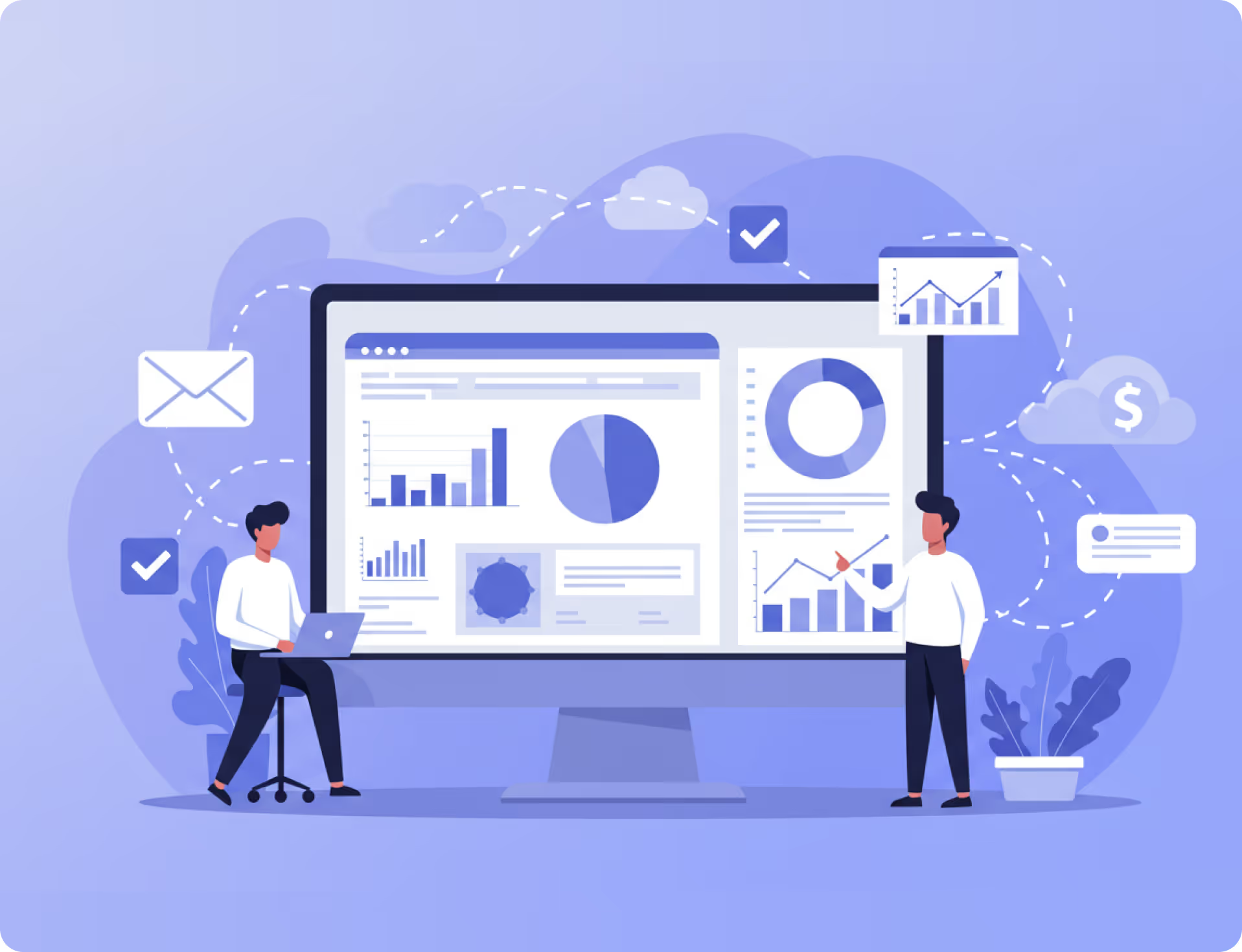


Choosing the right business analytics tool can be a difficult task, particularly given the numerous options available. Today, we will compare two popular Microsoft solutions: Power BI Embedded and Microsoft Fabric. Both tools are designed to help businesses visualize and analyze data, but they have key differences that may make one a better fit for your company.
No Single Analytics Strategy Fits All
When it comes to analytics strategies, there’s no one-size-fits-all. Varying organizational needs demand different solutions. From assessing real-time data to aiding decision-making processes, the right data analytics tool can streamline your strategy tenfold. Power BI Embedded and Microsoft Fabric are two robust options that offer varied benefits.

What is Power BI Embedded?
Power BI Embedded is a Microsoft Azure PaaS offering that allows developers to embed fully interactive Power BI reports and dashboards directly into their own applications, portals, or websites. It enables organizations to provide analytics to internal users or customers without requiring them to have individual Power BI licenses. Here, the tools can be seamlessly embedded within apps, portals, or websites to empower organizational and customer decisions with well-analyzed, visual data.

What is Microsoft Fabric?
Microsoft Fabric is Microsoft’s unified data and analytics platform that brings together data engineering, data science, real-time analytics, and business intelligence. It connects data across sources into a single environment, enabling organizations to manage the full data lifecycle and empower teams with faster, more connected insights.
In this piece, we’ll be comparing these two Microsoft offerings in depth. The right analytics tools in your arsenal can make or break your decision-making processes, and we’re here to simplify that choice. By assessing their features, user experience, cost, and overall suitability, you should be able to identify which of these powerhouses suits your analytics strategy best.
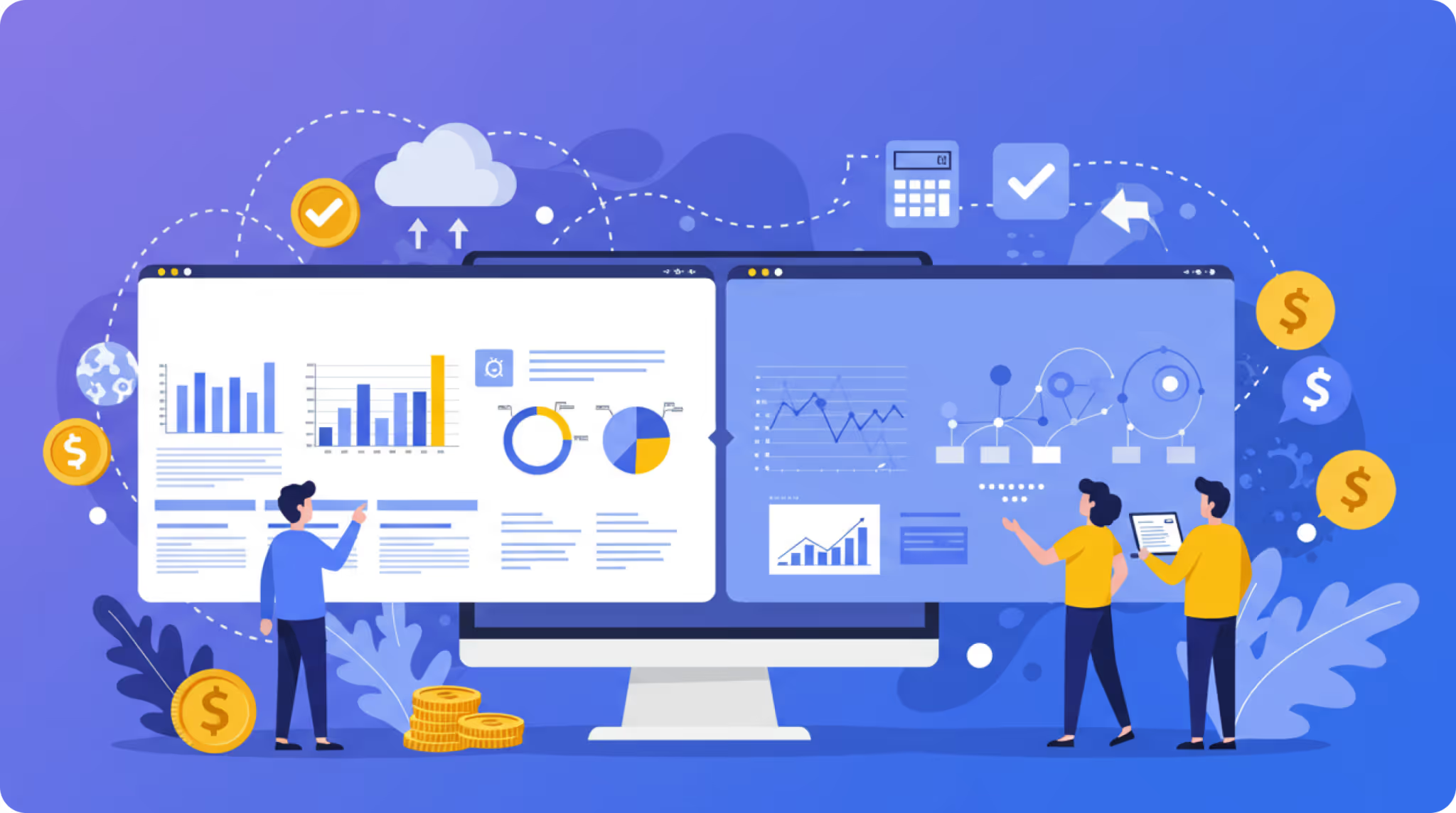
Overview of Power BI Embedded
Power BI Embedded by Microsoft is a dynamic analytics tool that’s gained traction for visualizing data in a compelling way for BI applications. Its purpose? To seamlessly integrate with applications, websites, and portals to display interactive visual data reports for ultimate end-user convenience. But Power BI Embedded isn’t tethered exclusively to Microsoft; it’s flexible enough to handle data originating from numerous services.
So, how does Power BI Embedded shine?
Key Features and Benefits
Power BI Embedded touts a host of features attuned to delivering embedded analytics with clear advantages:

In essence, it helps generate significant insights from massive datasets in a few simple clicks.
Customization Capabilities
Additionally, Power BI Embedded enhances user experience by allowing for substantial customization:

Looking for a richer understanding of Power BI Embedded? Visit Reporting Hub's resources, which provide an in-depth look at the tool's capabilities and customer use cases.
Reading these real-life examples sheds light on how Power BI Embedded can address your organization's bespoke needs.
Power BI Embedded is an exceptional tool that elevates data-driven decision processes. By allowing analytical insights on demand, it transforms complex data analytics into part of the everyday decision-making routine.
Overview of Microsoft Fabric
Without a doubt, Microsoft Fabric is a heavyweight in the business analytics arena, designed to bolster your data strategy.
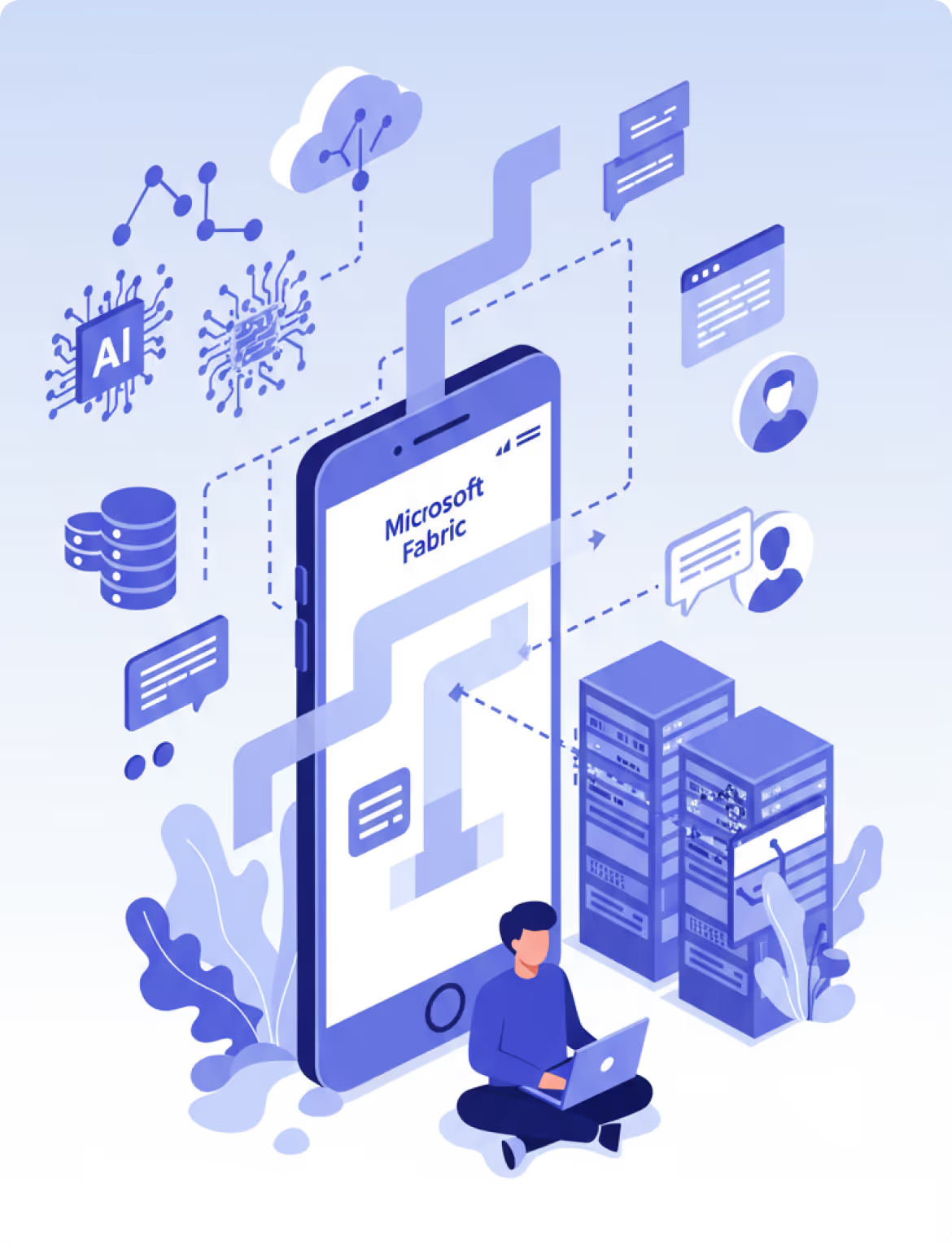
According to Microsoft’s resource, Microsoft Fabric is a unified platform that equips both designers and developers with a standardized set of tools to create seamless and coherent experiences that are underpinned by solid analytics.
Centralization is one of the greatest strengths of Fabric. Rather than utilizing disconnected tools for all of these different functions, organizations will have an end-to-end solution for storage, processing, integration, and reporting functions. The unified experience not only reduces complexity but also facilitates collaboration across teams in different departments.
Another key strength of Fabric is its scale. Fabric has advanced workloads for real-time streaming, large-scale data pipelines, AI-driven analytics, and more, all in the Microsoft economy. Fabric integrates with Azure Data Lake, Synapse, and Power BI, ensuring data flows into everyday Microsoft tools for easier adoption.
In a nutshell, Microsoft Fabric does a stellar job of integrating data collection, processing, and visualization in a way that caters to both developers and end-users. We’ll examine the specifics in our cost analysis and comparison sections, but for now, just know that this platform is a formidable contender on the analytics stage.
Cost Analysis: Power BI Embedded vs Fabric
Investing in the right business analytics tool involves not only assessment based on features and usability, but also a keen understanding of the associated costs. For most businesses, cost-effectiveness is crucial.
Let’s closely examine the cost implications of Power BI Embedded and Microsoft Fabric.
With Power BI Embedded, the pricing model primarily hinges on the capacity needed. This is directly influenced by factors such as the number of reports you intend to publish, the frequency of their refreshment, and the concurrent users at a given peak time.
Power BI Embedded is billed per hour/second based on capacity. Pricing varies by region.
Conversely, Microsoft Fabric, although part of the larger Office 365 suite, doesn’t necessitate subscription to the entire suite. Companies can choose to invest solely in Fabric, but the cost will be determined by several variables. These include the size of the company, the degree of integration required, and predominantly, the breadth of usage.
Microsoft Fabric pricing depends on the subscription type and capacity chosen. Fabric operates on two SKU types:
However, attention should also be paid to the potential for additional costs.
Both solutions can demand further investments in terms of training for the users or special infrastructure requirements, where suitable hardware and licenses need to be procured. It’s essential to understand these potential costs and factor them into your budget planning.
Ultimately, the exact costs of Power BI Embedded and Microsoft Fabric will depend on the specifics of your organization and its analytics needs. But by understanding the factors that influence these costs, you can better anticipate your budget and potentially save your business money in the long term.
Power BI Embedded for Enterprises
If you’re running a large organization, Power BI Embedded is a tool that should definitely catch your eye.
This analytics service lets you promote data-driven decision making across the enterprise, thanks to its extensive capabilities in connecting to a wide range of data sources, from in-house databases to third-party applications.

One of the main reasons Power BI Embedded is the go-to choice for big businesses lies in its scalability. Large organizations deal with mammoth datasets, so the ability to handle high data volumes effectively becomes a critical factor.
This is where Power BI Embedded thrives. The cloud-based nature of the tool means it offers scalability that is tied to purchased capacity; organizations can scale up by moving to higher SKUs. allowing enterprises to grow without worrying about outgrowing their data analytics tool.
Another perk that makes Power BI Embedded a boon for enterprises is the customizability it brings. Tailoring the analytic reports helps companies to gain specific insights that matter most to them. Power BI Embedded makes it easy to customize everything from dashboards to individual data visualizations, ensuring that companies can truly make the tool their own.
Thirdly, security is top-notch with Power BI Embedded. The tool comes with robust security features, ensuring that sensitive corporate information is well-protected. You can control who sees what data, thanks to features like row-level security and Active Directory integration.
In a nutshell, for enterprises capable of leveraging its strengths, Power BI Embedded can prove to be a potent ally in the quest for unparalleled data analytics. It brings scalability, customizability, robust security, and comprehensive data integration options to the table , a combination hard to resist for any large organization.
Comparing Power BI Embedded with Microsoft Fabric
As you weigh your options between Power BI Embedded and Microsoft Fabric, you must consider several key facets that can make all the difference in your analytics strategy: ease of use, data visualization capabilities, scalability, integration capabilities, and, of course, cost.
Firstly, both tools offer user-friendly interfaces designed for non-tech-savvy users. However, Power BI Embedded has a slight edge with its drag-and-drop capabilities and intuitive navigation. Microsoft Fabric, on the other hand, while offering a clean, streamlined interface, requires a steep learning curve before one can fully utilize its features.




To further simplify your decision, here’s a comparison table that outlines these key areas:
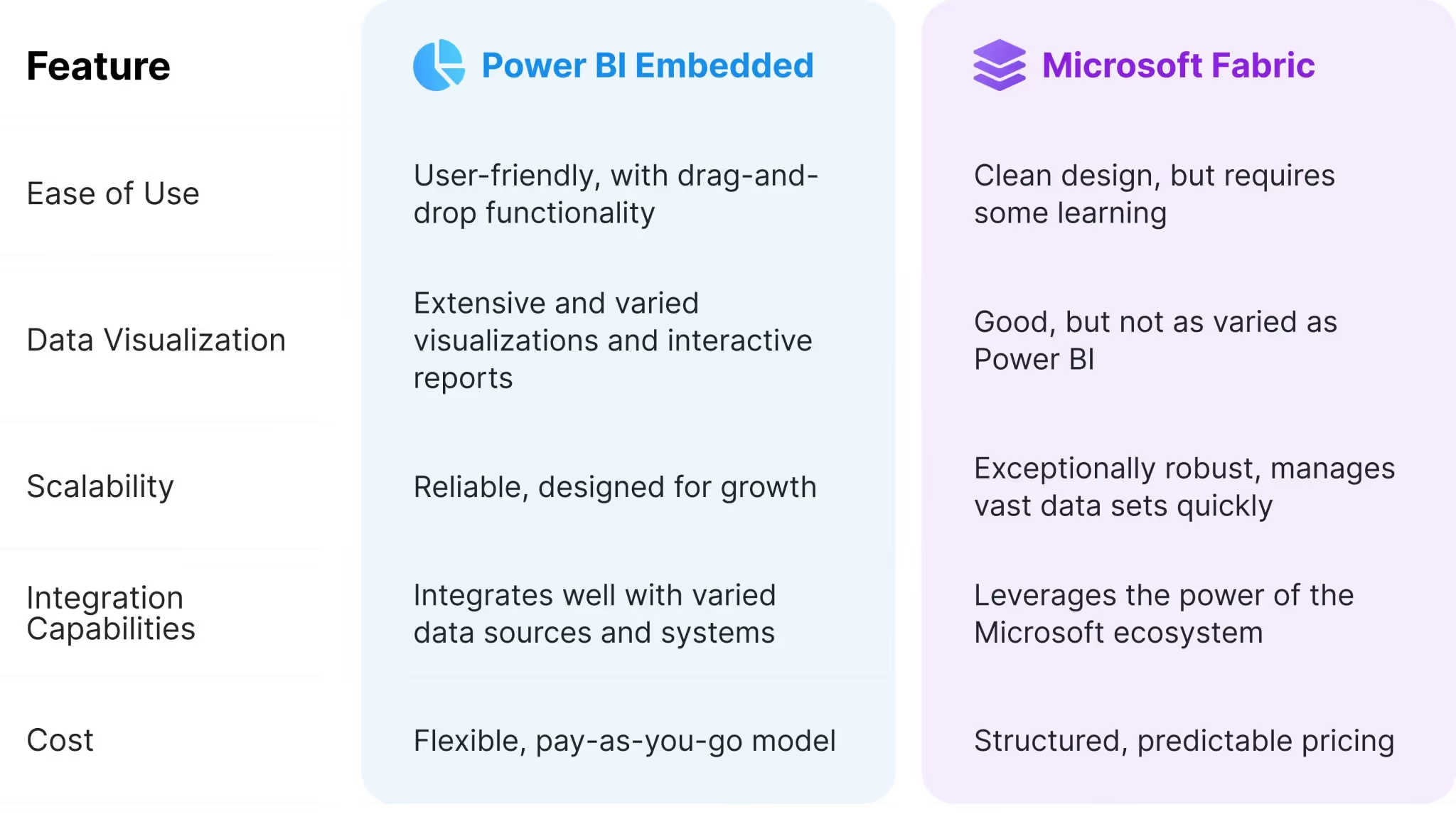
Remember, choosing between Power BI Embedded and Microsoft Fabric ultimately hinges on your company’s unique goals, priorities, and resources.
Choosing the Right Analytics Tool
Power BI Embedded and Microsoft Fabric, while both developed by Microsoft for data analytics, target different user needs and vary in terms of capabilities, functionalities, and associated costs.

- Embedding stunning, fully-interactive reports
- Dashboards and visuals into applications
- Providing end-users with the ability to delve into the data without leaving the app
- Providing a unified user experience across many parts of the Microsoft suite of tools
- Presenting a flexible and efficient data processing system
Features and Suitable Scenarios
Power BI Embedded stands out in scenarios requiring advanced data visualization and analytical features to be incorporated into applications. It’s ideal for organizations with heavy reporting needs.
Meanwhile, Microsoft Fabric thrives in scenarios requiring an efficient data processing system, making it preferable for organizations needing an end-to-end platform for data ingestion, transformation, storage, and analytics.
Factors to Consider
In deciding between them, organizations will need to consider:
- Specific needs,
- Usage context, and
- Available resources.
Factors such as company size, data complexity, the level of customization required, and budgetary restrictions should guide the choice of tool.
Both Power BI Embedded and Microsoft Fabric have different strengths. The decision should be made on a case-by-case basis. Choosing a business analytics tool can seem daunting, but an informed understanding of each platform simplifies the decision process. Ensure to align your choices with your analytics strategy and the specific demands of your business.

Additional Resources
For those interested in continuing their research, these resources may be of use:

You’ll find a multitude of resources, including:
- Comprehensive comparisons
- Step-by-step ‘how-to’ guides, &
- Detailed articles on various aspects of the analytics sector.

Here, you will gain:
- Comprehensive insight into Fabric’s capabilities
- Examples of practical use-cases, &
- Access to a thriving community of learners and industry experts.
Remember, the selection of an analytics tool is not simply about feature comparison. It is a strategic decision that can influence the entire business. Thus, ensure to invest time in conducting detailed research and make your choices wisely.
Good luck in your journey!