

AI that shows its work
Built on Microsoft Foundry. Grounded in your own Power BI semantic models.

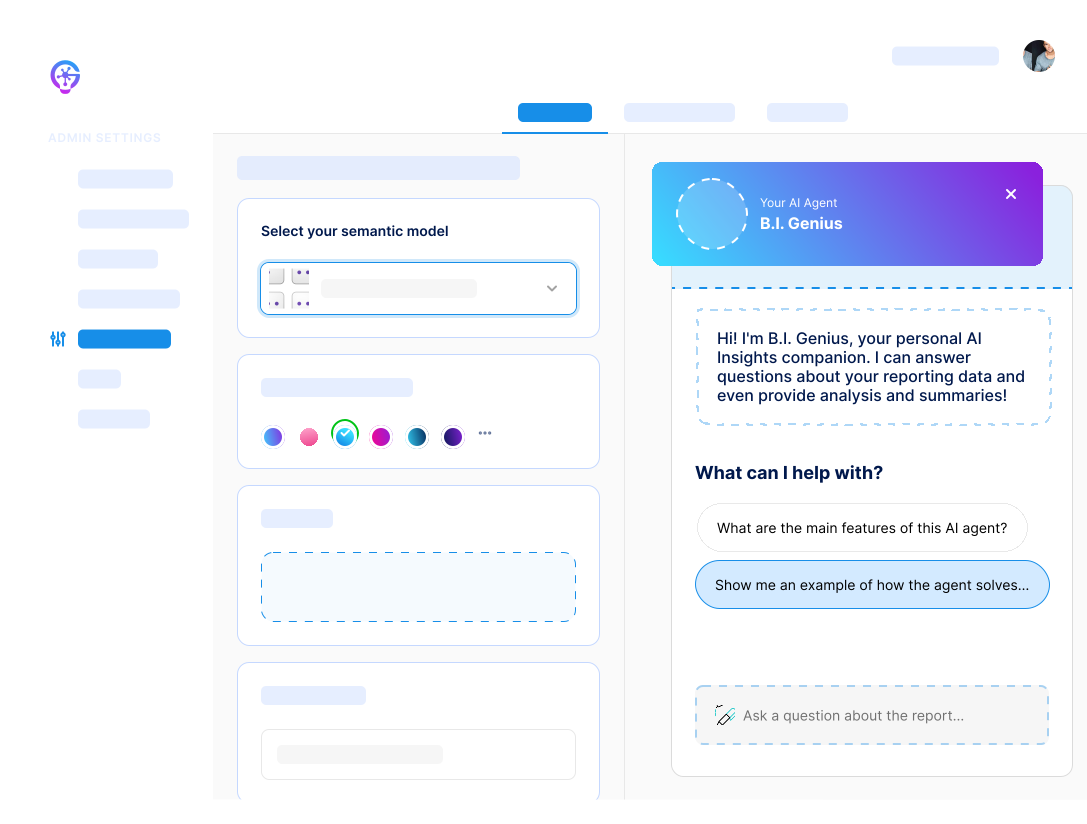 Connect your data sourcePlace your logoLaunch your AI capabilitiesSales Analytics ModelWhich region grew fastest last quarter?


Point it at a semantic model
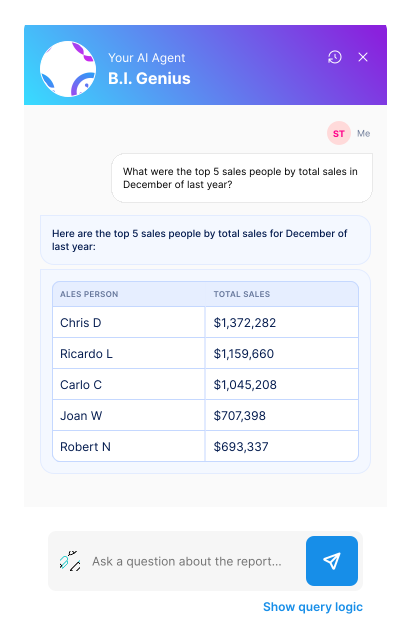
Business users ask questions in plain language. The answers come back with the data they were drawn from, so nobody has to take them on faith.
Built to make AI your advantage
A configurable agent platform that plugs into the Power BI models you already have — white-labeled, governed, and deployed in your own Azure environment.
Configure agents that carry your name, your logo and your colors, inside your own product. Your clients see your analytics, not a third-party tool.
Build a separate agent for each team, client or subject area, and scope each one to its own content. A finance agent and a field-ops agent answer very different questions.
See which data contributed to a response, the path the model took to get there, and the DAX it wrote along the way.
No integration work and no code. Point BI Genius at an existing Power BI model and it starts answering questions against it.
Unlike AI tools that require external hosting, BI Genius runs inside your own Azure subscription. The data and the inference both stay there.
Unlike Power BI’s built-in features, BI Genius is not bound by Microsoft Fabric’s Copilot capacity licensing. This gives you complete cost control and scalability.
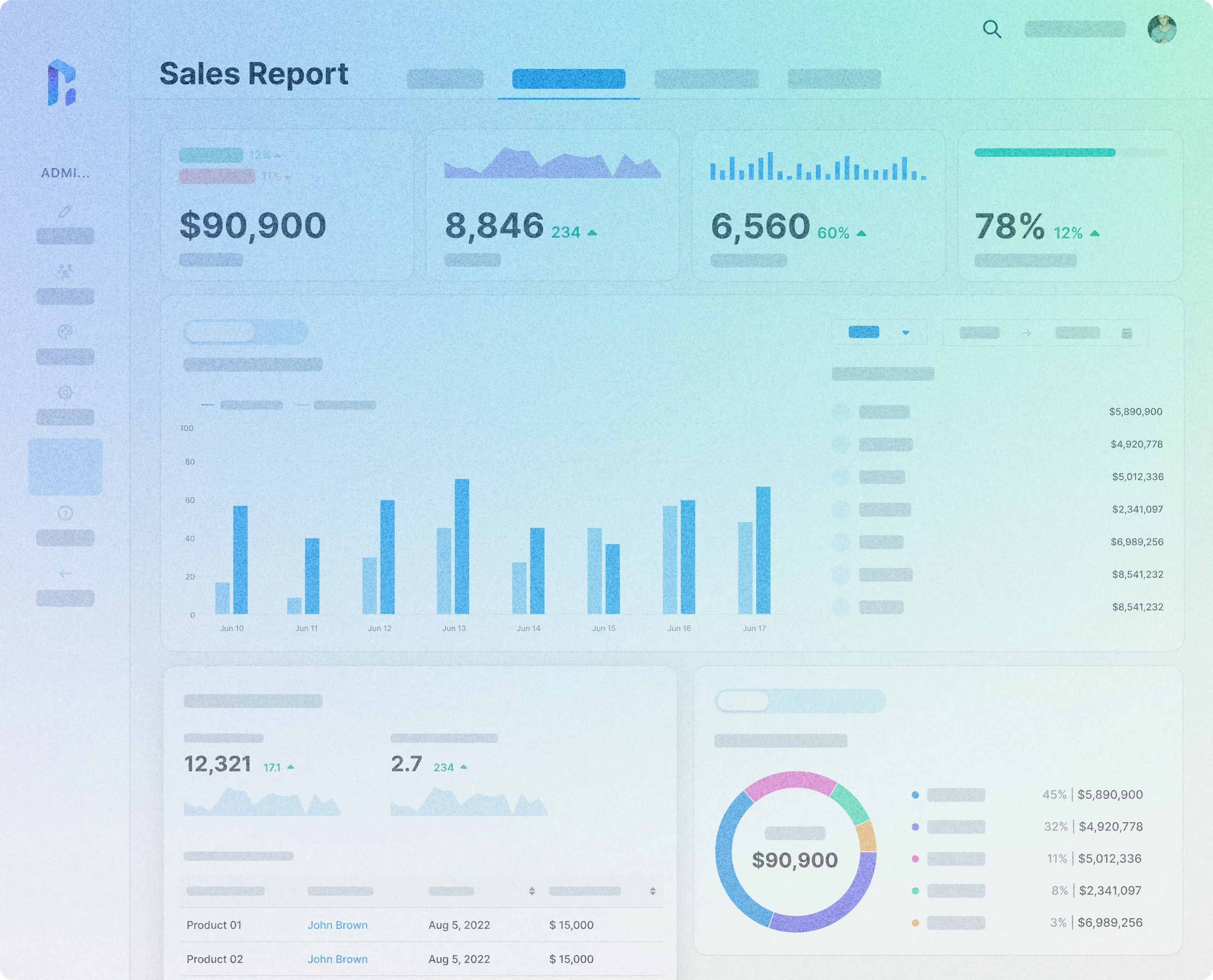
Every plan includes BI Genius
BI Genius Starter ships with every Reporting Hub plan. No separate AI contract, and no Fabric capacity to buy.
Book a DemoYour data, your rules
BI Genius runs against your existing semantic model inside your own Azure environment. Nothing leaves your tenant.
Select an existing Power BI semantic model and you're set. There is no coding step at any point.
Your data remains inside your own Azure environment and never leaves your control.
With BI Genius, you're in charge. Set your own security protocols and control who accesses your data. See the full governance architecture and security & trust pages.
Effortless insights, no technical expertise needed
Configure and deploy in minutes, then let business users ask questions in plain language and get answers they can trace.
Configure and deploy in minutes. No specialist skills and no lengthy setup to work through first.
BI Genius reads the Power BI semantic models your team already published. No new dataset, no rebuild, no export.
Answers come back while the question is still relevant, instead of landing in a queue behind everyone else's request.
What your administrators can see
- Understand how AI-generated insights are formed
- Validate model accuracy and relevance
- Provide meaningful explanations to end users
- Maintain governance and compliance over AI-driven decisions
- Configure each agent's scope, sources and behavior before it goes live
BI Genius plans
BI Genius Starter is included with every Reporting Hub plan. Pro and Scale add more agents and the full set of AI capabilities, and pricing for all three sits alongside the platform plans.
How BI Genius enables AI transparency

Explainable outputs
BI Genius provides administrators with clear breakdowns of how insights are generated, including:
Source Attribution: What data sources contributed to the AI's response.
Decision Path Analysis: A step-by-step view of how the AI arrived at its answer.
Semantic Model Interpretability: How Power BI models influenced the answer.
DAX Statement Formulas: The specific Data Analysis Expression (DAX) formula the model derived to extract the answer.
The AI logic dashboard
A dedicated AI Logic Dashboard allows administrators to:
Monitor AI activity and track what queries are being processed.
Review past interactions to ensure accuracy and consistency.
Audit logs and history tracking for compliance and accountability.

Control over each agent
Because BI Genius allows organizations to create and configure multiple AI agents, administrators need control over how these agents interact with users. With BI Genius, they can:
Define knowledge boundaries and restrict AI access to specific datasets.
Apply user & data access controls to govern who can interact with what data within specific AI agents.

When a user doubts the answer
AI is only as valuable as the confidence users have in it. With BI Genius:
Business users can ask clarifying questions and get transparent responses.
Administrators can step in with explanations when needed.
Organizations can cultivate trust in AI-driven decision-making.