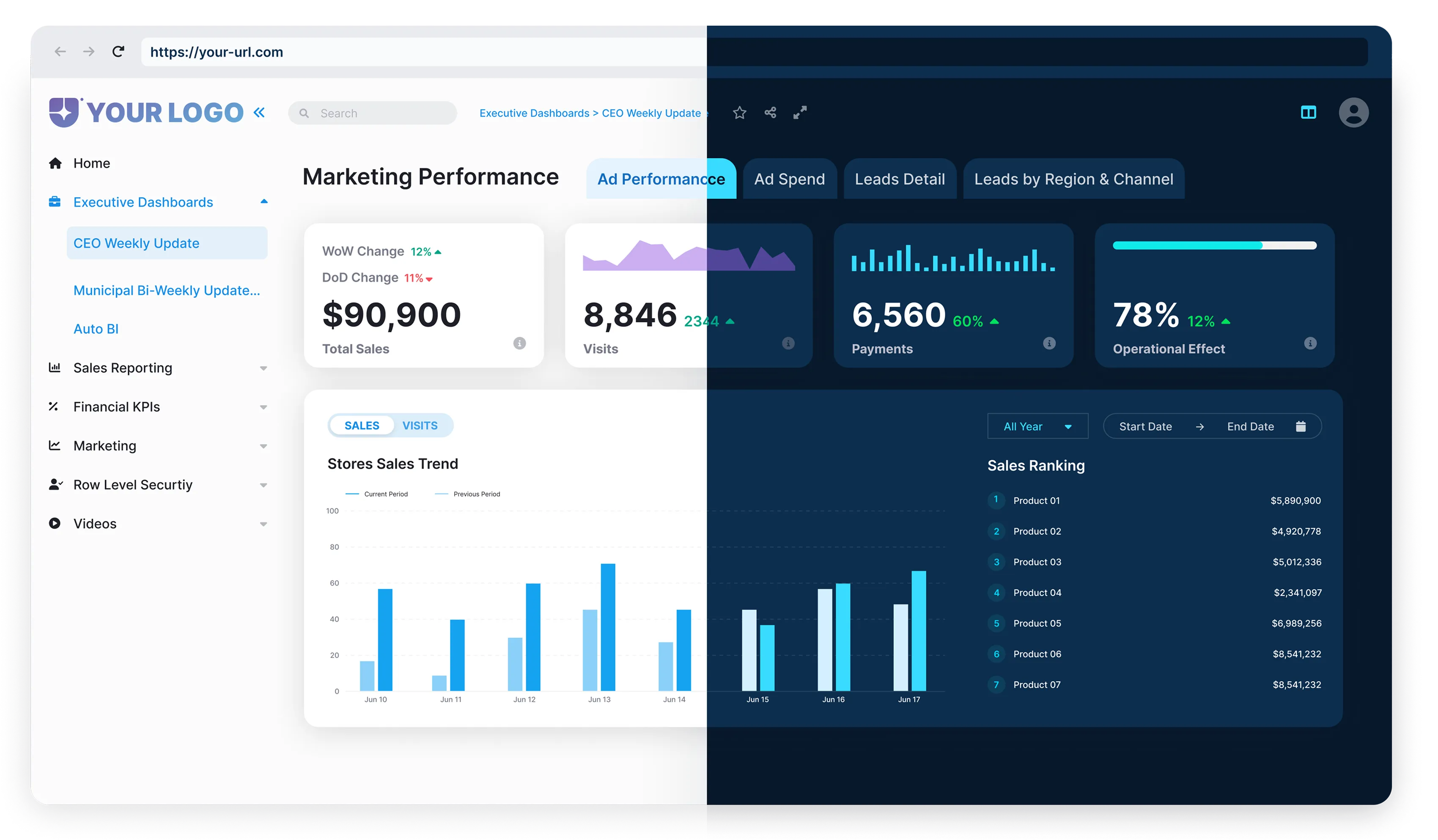


You’ve recently embarked on your Power BI journey and may have been feeling a little confusion initially. Why does it have this disorganized, difficult feel? Don’t be alarmed – you’re certainly not the only person encountering these feelings. In this post, we will discuss the reasons for this initial confusion and some helpful recommendations that will help make your Power BI experience more user-friendly.

Introduction
Welcome aboard your Power BI journey. If you’re here, it’s likely because you’ve heard of the transformational potential that Power BI possesses for data visualization and business intelligence. Power BI is Microsoft’s business intelligence platform that enables users from beginners to professionals to analyze and visualize data interactively.It’s a tool designed to extract keen insights from vast heaps of raw data, empowering data-driven decision-making in businesses of any size or industry.
Yet, for many new users, the initial interaction with Power BI can often be a deluge of features and interfaces that leaves them feeling swamped. In fact, a common sentiment expressed by beginners is that of overwhelming complexity. They gaze at the dashboard, the array of data sources, the layers of report and data visuals, and think, “It’s all a big mess”. But rest assured, this feeling is not unusual, and you’re certainly not alone in this. As with any new, robust tool, there’s inevitably a learning curve. Let’s explore this in depth as we move forward in our discussion.
Understanding Power BI’s Complexity
Stepping into the world of Power BI can feel like navigating an intricate maze for the first time. It’s only natural to be greeted by a host of unfamiliar buttons, tabs, and tools. This powerful platform is known for its depth and complexity, often causing feelings of overwhelm in novices.

- Am I using Power BI Free, Pro, Premium Per User (PPU), or Premium Capacity?
- How does licensing impact my access to certain tools and features?

- You’ll need to create and manage Workspaces (previously known as App Workspaces)
- Assign roles (Admin, Member, Contributor, Viewer) and manage permissions appropriately.

- Understanding what each collaborator can do
- Knowing who can access what


The Implication of Power BI’s Complexity on Users
No doubt, Power BI, with its slew of features, APIs, and licensing intricacies, packs a punch as a data visualization tool. However, this initial complexity bears significant implications on user onboarding.

When new users encounter complex user interfaces and unfamiliar lingo, it acts like a tall, daunting barrier to entry. They are likely to perceive the tool as complicated and inaccessible, which can initiate their journey on the wrong footing. This may well lead to a longer training period, and upturn the timeframe of when these users can fully utilize and exploit Power BI in their respective job roles.
Moreover, the steep learning curve commonly associated with Power BI might discourage users from exploring beyond its basic functionality. For instance, without proper guidance, understanding DAX – which powers custom calculations, measures, and data model logic, can feel daunting for beginners.This, unfortunately, can contribute to underutilization of the software, as users tend to stick to familiar territory instead of probing into Power BI’s more advanced and dynamic features.
Lastly, due to the initial overwhelming experience, businesses stand a chance of facing resistance from their teams. The resultant apprehension could lead to employees shunning Power BI in favor of less intimidating, albeit less powerful, alternatives.
All these factors combined could lead to an underwhelming ROI from the Power BI investment as the power of the tool is never really tapped into its full potential. So, how does one combat these implications?
The following sections of this article will delve into practical solutions and strategies that businesses can employ.
Complication Areas in Power BI and Their Practical Solutions
Diving head-first into Power BI can be daunting no doubt, thanks to a few notorious areas of complexity that leave new users scratching their heads. Let’s aim to simplify things and take a closer peek at some of these troublespots, along with their practical solutions.




The key takeaway here?
Power BI, like anything new, has a learning curve. With a strategic mindset, the ‘mess’ can start to make sense, transforming your Power BI journey from overwhelming to empowering.

Power BI User Experience Optimization
Companies can take measures to improve the Power BI user experience in a couple of ways.

Firstly, by developing a comprehensive understanding of user behavior, needs and frustrations. User feedback should not be collected for the sake of it but acted upon to shape the tool’s usability and design. Investing in simple things like user training and support resources can go a long way towards alleviating the ‘messiness’ that new users encounter.
The role of AI features in Power BI such as Copilot, Smart Narratives, and AI visuals cannot be overstated. With intelligent algorithms, Power BI can customize dashboards and displays in response to user behavior and preferences, making it less overwhelming to new users. Moreover, the AI Plugins assists users in generating insights rapidly by answering business-related questions, creating conversational data narratives, and automatically highlighting patterns or trends in data.
Furthermore, governance and automation platforms, such as Power BI Admin APIs or third-party tools, help streamline governance processes, ensuring that governance rules are adhered to, while decreasing the learning curve of the tool. It provides a systematic and simplified approach to manage data sources, user access, security, and policies relating to Power BI.
Third-party white-label Power BI portals integrated with Microsoft Teams can simplify embedding and access management. It enables users to easily integrate Power BI into their existing workflows by allowing seamless embedding of reports and dashboards directly into team sites. It cuts out the confusion of sharing limits and workspace setups by providing an intuitive, integrated, and familiar interface for collaboration.
Overall, these tools are designed to simplify Power BI usage significantly. Aligning with them can reduce the initial overwhelm factor for new users, foster better understanding and ultimately lead to proper utilization of Power BI’s comprehensive potential.
Best Practices for Efficient Power BI Governance
Incorporating effective governance of Power BI is vital for having proper management of your org structure and keeping everything from getting messy (which can lead to confusion, risk to security, and so on.). Good governance helps enforce a tidy and clean experience but would also greatly improve the experiences of all of your team members using Power BI.
Power BI Admin APIs and Microsoft Fabric automation scripts can track and optimize sharing, usage, and permissions. They will notice risks and inefficiencies (almost) in real-time. This will allow you to proactively respond to those risks, thus avoiding a data breach or something deeper that violates your data governance. Ultimately this automated and intelligent oversight will relieve some of the burden and complexity of Power BI governance while improving your overall BI experience and productivity.
Microsoft also offers a wealth of support for even more seamless adoption of Power BI. They share best practices for effective Power BI usage on “Microsoft Learn.” Topics range from creating a governance team and policies, to user training, and monitoring compliance.
Whether you are just getting started with Power BI, or you are already sharpening your skills, this, combined with an AI tool or some of the resources in the ‘Recommended’ section above could be invaluable. It provides you with a solid framework to help govern Power BI by tackling the disorganization of it and making the tool a powerful resource vs a complicated burden. Be sure to take advantage of all of this great content.
Enhance Power BI Onboarding
Since many users find Power BI to be tricky or complicated at first, improving onboarding and making it an easier experience for beginners is critical!
There are a few practical and actionable steps you can execute to lessen the initial performance anxiety or confusion.
Finally, and maybe most importantly, create a culture of ongoing support. Build a community where new users can ask questions (and experienced users can answer). Ongoing support to retain and apply new skills is super important, and just knowing help is there is a big deal to lessen initial concern.
These are not all-inclusive steps, but they are a good place to start in improving the onboarding process. If done correctly, these steps can go a long way in turning the ‘big mess’ of Power BI into a systematic, approachable, and ultimately enjoyable experience. Remember, the journey from newbie to expert is a journey, not a jump.

Wrapping Up
Navigating through Power BI as a new user can feel like trying to unlock a complex code. However, steps can be taken to ease this process.



- Integration of Power BI with AI-driven experiences is a great move forward.
- Adopting effective governance can lead to simplification.
- Automation platforms facilitate complex processes.
- Power BI with a white-label portal promises intuitive experiences for teams.
Following Microsoft’s official guidelines for Power BI can enhance sharing and user management and streamline its governance.

Improving the Onboarding Process
Refining the onboarding process can dramatically improve the initial Power BI experience for users. Providing precise, actionable tips that help new users navigate Power BI will hasten adoption.
Power BI may appear messy, but by implementing proper governance, optimizing user experience, and refining the onboarding process, this perception can change. Beneath its complexities, Power BI is a powerful tool waiting to be mastered one step at a time.
.webp)
.webp)