

Three Simple Ways to Share and Distribute Power BI Reporting
2
Export or Email Scheduled Reports
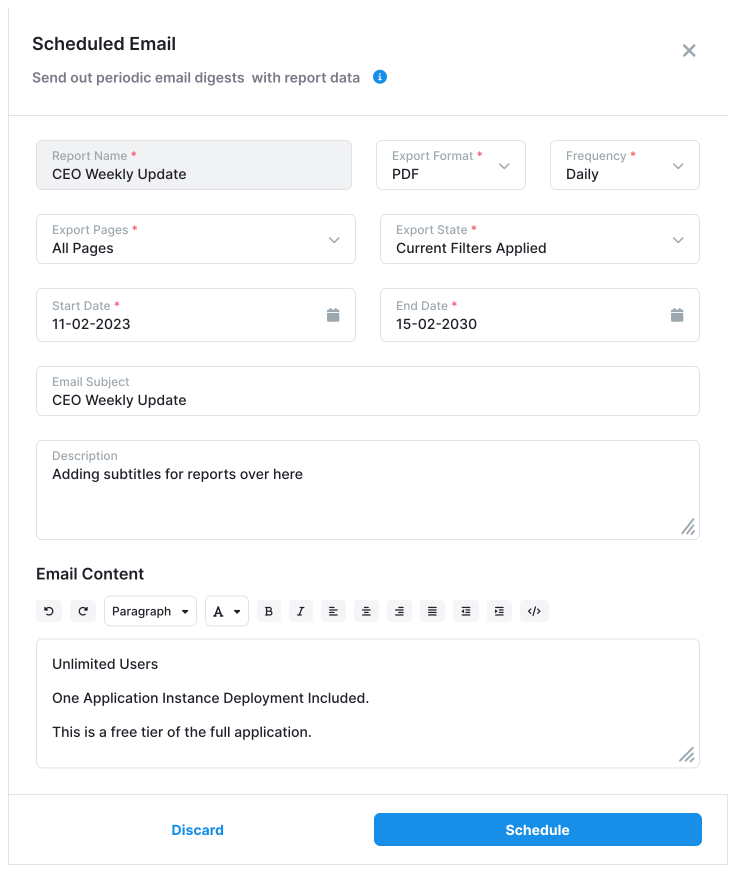
Automate your reporting by scheduling email exports of Power BI content. Keep your stakeholders informed with custom PDF or Excel reports delivered straight to their inboxes—no login required.

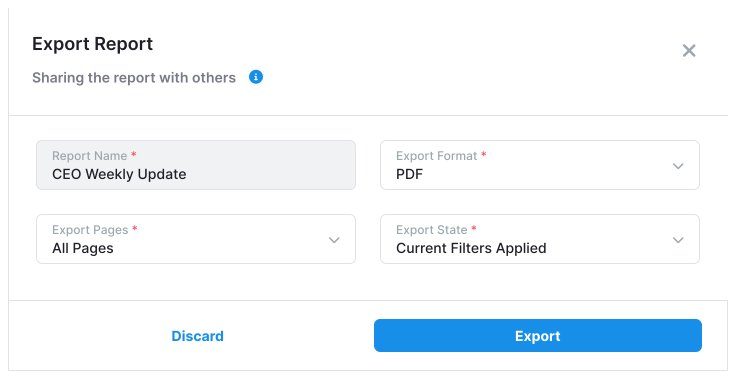
You also have the option to Export reports or schedule email updates.
Why Reporting Hub is Built for Secure, Scalable Power BI Sharing

Custom-Branded Secure Portals
Deliver content through white-labeled portals that reflect your brand—or your client’s. Every user experiences a fully branded, secure environment with role-based access.

Scalable Multi-Tenant Architecture
Support multiple clients, departments, or user groups from a single deployment. Each tenant’s content is isolated and protected with Row-Level Security (RLS) and granular access control—ensuring users only see what’s meant for them.

Embed in the Tools Users Already Use
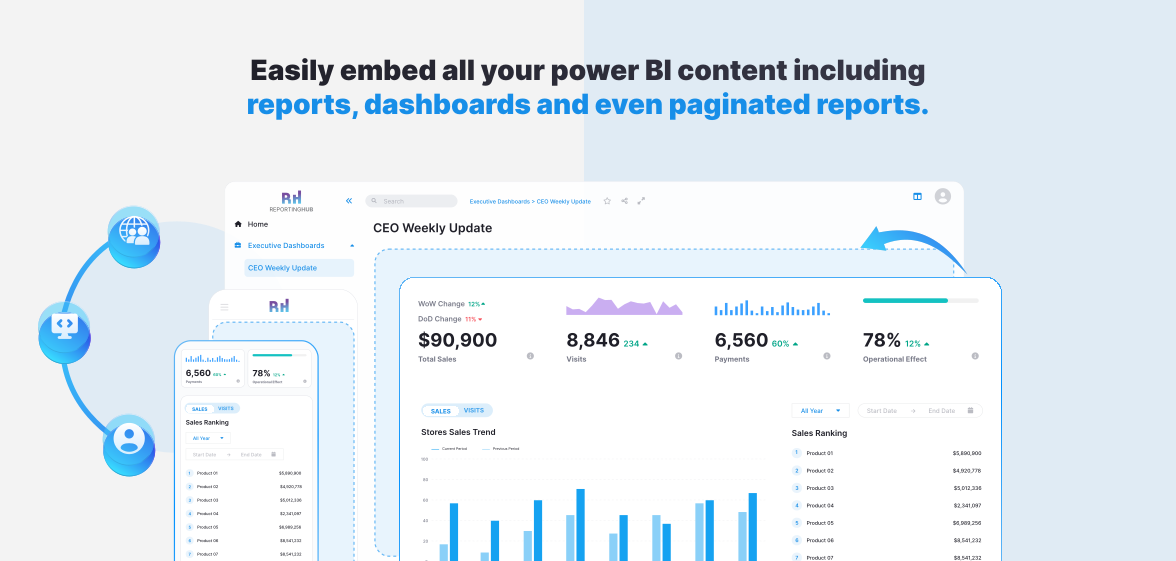
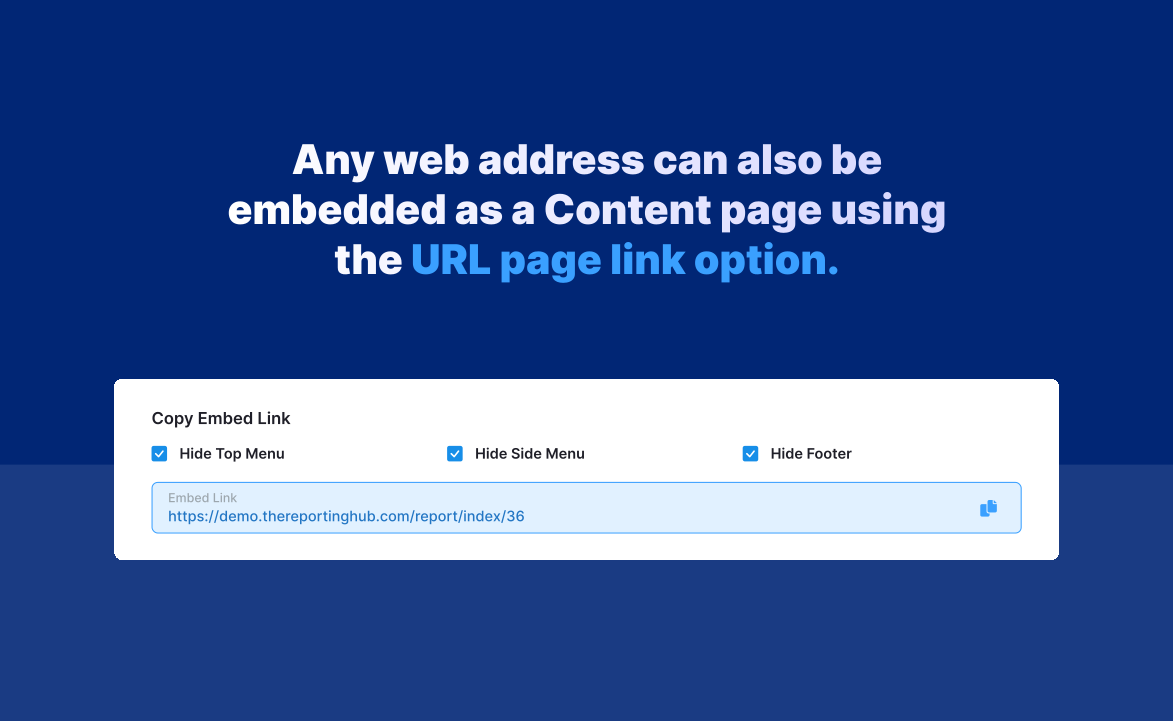
Power BI content isn’t locked into one platform. Embed dashboards and reports directly into your internal tools, portals, or external apps using Reporting Hub as the delivery engine.
SaaSify Your Analytics
Reporting Hub works with your existing authentication systems like Azure AD or SAML, or provides simple built-in login options. This ensures a secure, frictionless login experience for every user.
Flexible Authentication for Seamless Access
Turn your Power BI content into a revenue-generating product. Reporting Hub lets you package, brand, and deliver analytics at scale—no coding or IT support required.
