

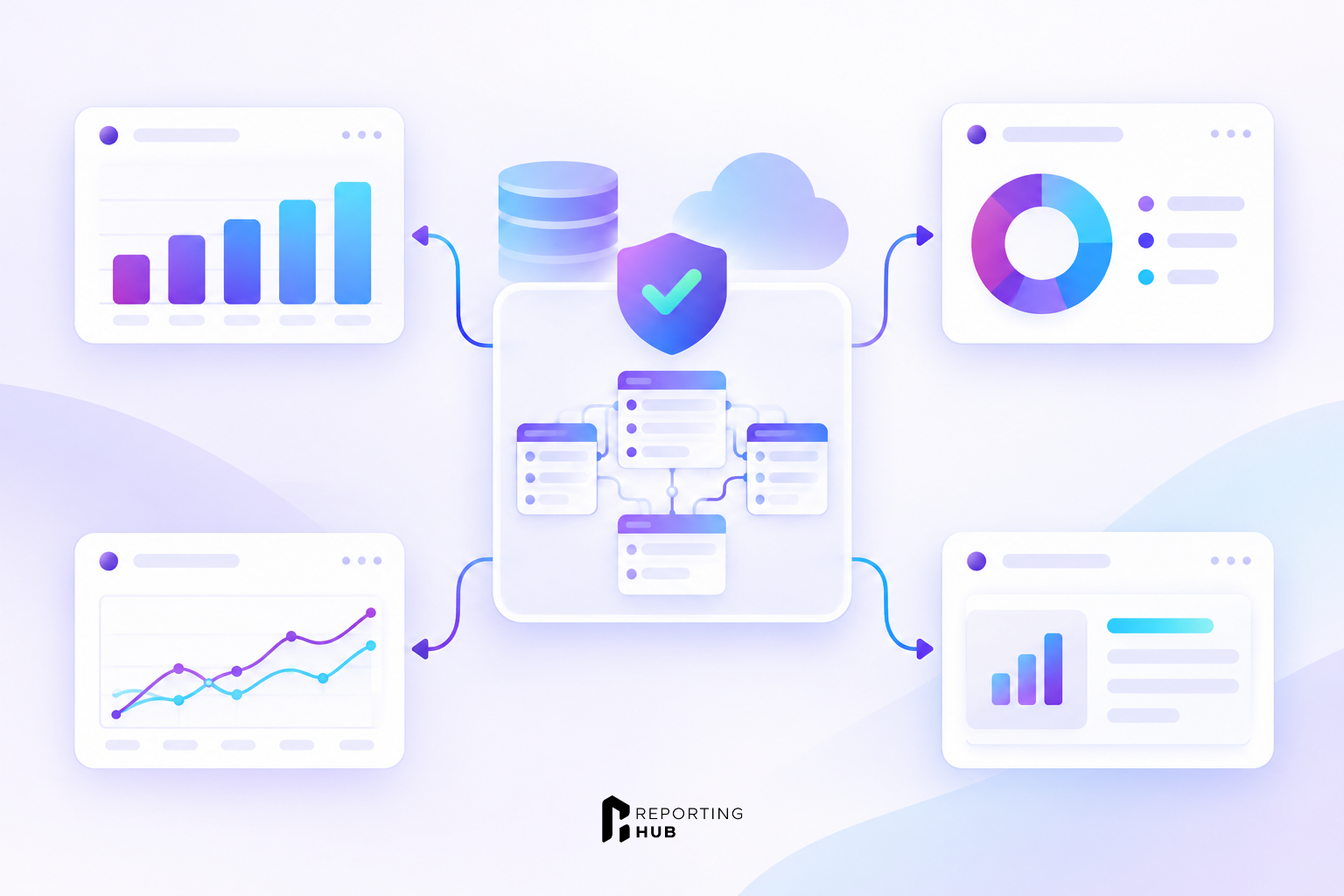


Finance reports $2 million in sales. The Sales team reports $2.2 million for the same month. Both numbers come from Power BI, but one report subtracts refunds and the other does not. Now someone has to find out which figure the company should use.
A shared, certified semantic model can stop this kind of disagreement. Both teams can build reports from the same approved sales measure instead of writing their own. This article covers how to choose that model and check it before other teams start using it.
Why Self-Service BI Can Lead to Different Numbers
Power BI lets teams make reports without asking a central BI team to build every one. That saves time until each team creates a new semantic model for the same data. Finance may count a customer as active after one purchase, while Sales may require a purchase in the past 90 days. Their reports then show different totals under the same name.
Microsoft's Fabric adoption guide suggests checking how many reports use each semantic model. If every report has its own model, teams may be copying data and measures they could share. Power BI REST APIs can help you list the models and find those copies.
Promoted vs. Certified in Power BI
Power BI has two labels for content people may want to reuse. Promoted means the owner recommends it. Certified means a person chosen by the company has checked it against the company's rules.
Microsoft gives these labeled items more weight in search results. That makes it easier for report makers to find the model they should use. The company still needs to explain which model is the official one, since another user may promote a similar model.
How to Turn On Certification
A Fabric admin must turn on certification before anyone can use the Certified label. The setting is in Admin portal → Tenant settings → Export and sharing settings → Certification. Microsoft's setup guide explains the options.
A reviewer also needs write access to the workspace holding the model. If they do not have it, the workspace owner or an admin must grant access before the review. Keeping reviewers in a security group makes it easier to change the list when someone leaves the team.
Who Checks the Model?
The person who builds a model may not be the person who decides what its numbers mean. For example, a developer can write the Net Sales measure, but Finance should confirm how it handles refunds. Give each part of the review to someone who knows that part of the work.
This is a suggested way to divide the work, not a list of roles Microsoft requires. The model should also show a contact person, so report makers know whom to ask when something looks wrong.
What to Check Before Certifying a Model
A review needs more than a quick look at the report. The reviewer should have proof that the main figures are correct and that other people can use the model safely. A short checklist makes the decision easier to explain later.
Suppose Finance agrees that Net Sales must leave out refunds. That gives the developer a clear rule, but it does not prove the DAX calculation follows it. The reviewer still needs to compare the result with a trusted figure and save that result with the review.
Check Certified Models After Changes
A model can be correct when it is certified and wrong after a later update. A new source might change a total. An edited DAX measure might affect several reports at once. The owner should test the model again after changes that could affect its results.
Teams can also use Power BI activity logs to see who changed content. Microsoft's activity log guide says events can take up to 60 minutes to appear, and the API fetches up to one day of events per request. Those logs help trace changes, while business owners check that the numbers still make sense.
Microsoft does not require certification to be reviewed every year or every quarter. Each company can choose a schedule that suits its models. A major change should lead to an earlier review even if the regular check is months away.
Where BI Genius Fits
BI Genius answers questions using existing Power BI semantic models. It creates DAX queries and runs in the customer's own Azure setup. It also supports Power BI row-level security, so access to data can follow the user's role.
Admins can use Query Audit Logs to see the queries behind earlier answers. That helps when someone questions a figure returned by AI. The team still needs to choose which Power BI model BI Genius uses; it should not rely on AI to decide which sales measure is official.
Frequently Asked Questions
Can Power BI Reports and Apps Be Certified Too?
Yes. Power BI supports certification for reports and apps as well as semantic models. Microsoft's Fabric guide says Power BI dashboards are an exception.
Does a Reviewer Need a Paid License?
Yes. Microsoft says reviewers need Power BI Pro or Premium Per User to certify semantic models. They also need the right access to the workspace.
Does Microsoft Require a Yearly Review?
No. Microsoft does not set a fixed review date. The company can choose one, but a major model change should trigger another check.