



An Azure data setup rarely becomes complicated overnight. A team starts with Data Factory to move data, then brings in Synapse as its reporting needs grow. Spark jobs come later, while Power BI Premium serves the reports people use every day. Each service has a purpose, but someone eventually has to manage the connections between them.
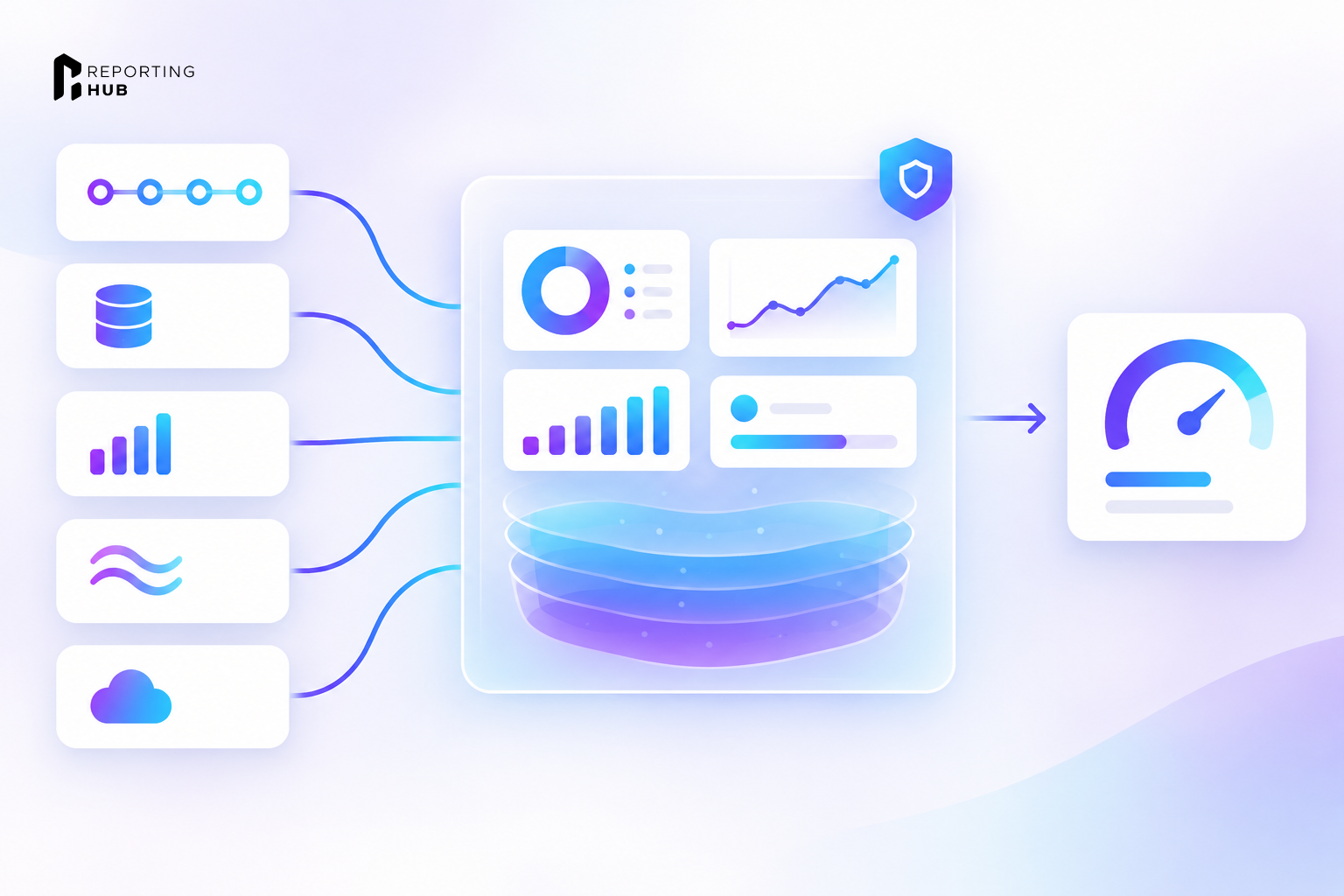
Microsoft Fabric puts much of that work in one place, using shared storage and capacity for several analytics services. The Fabric overview describes how Power BI works alongside its data engineering and warehouse tools. For a CTO, the question is how much of the current Azure setup can move now, and what still needs to stay where it is.
Why the Consolidation Argument Is Winning Now
Microsoft is retiring Power BI Premium per-capacity P SKUs and points customers toward Fabric F SKUs. That makes the timing harder to ignore for companies already planning a capacity change. Instead of moving Power BI alone, they can review which related jobs might also run in Fabric.
The tools for checking a move are better than they used to be. Teams can now mount an existing Azure Data Factory in a Fabric workspace and review its pipelines before moving them. Fabric's assessment marks activities as Ready, Needs review, Coming soon, or Not compatible. For Synapse dedicated SQL pools, Microsoft provides a Fabric Migration Assistant for Data Warehouse, giving teams another way to plan the work.
A failed data job may require checking several Azure services before anyone finds the cause. Access reviews also take longer when each service has its own permissions. Fabric will not remove that work, but it can reduce how many separate places a team has to manage.
What OneLake Consolidation Changes in the Architecture
OneLake is at the center of the Fabric design. Microsoft says each Fabric tenant has a single OneLake instance, rather than a separate lake for every workload. It runs on Azure Data Lake Storage, and teams do not create or delete that tenant-wide instance themselves. Fabric can store tables in open formats such as Delta Parquet and Iceberg, so storage isn't limited to one analytics engine.
One Copy, Several Engines
Consider a sales dataset that both the warehouse team and the data science team need. In Fabric, the warehouse team can query it with T-SQL while a Spark notebook works with the same data in OneLake. Power BI can also use Direct Lake to read supported tables without building another imported copy. That changes a common problem in older setups, where each team keeps its own version and spends time checking which one is current.
Not every source needs to be moved into OneLake on day one. Fabric shortcuts can point to data in places such as Azure Data Lake Storage or Amazon S3. Microsoft's documentation also lists Google Cloud Storage as a supported source. A team can leave that data where it is while deciding what really belongs in Fabric. Shortcuts still need the right access settings, so referencing outside storage does not remove responsibility for it.
Governance in One Layer
OneLake security roles can protect supported data at the folder or table level, with row and column controls available for supported access paths. Microsoft also connects OneLake items with sensitivity labels and data loss prevention policies. For administrators who previously checked rules across several services, that can mean fewer separate access reviews.
Permissions still need testing after migration. A report may use Power BI security rules, while a notebook reaches the same data through another route. Both must return only the information the signed-in user can read.
Where the Azure Stack Still Has the Edge
Fabric cannot replace every Azure Data Factory pipeline as it stands today. A company may depend on features that haven't made it into Fabric yet, even when most of its simpler jobs could move. Microsoft's upgrade guide identifies those gaps so teams can account for them before choosing a migration date.
Microsoft's guide lists Mapping Data Flow work in Dataflow Gen2 as being in preview and describes limits around Key Vault support. Fabric manages schedules by pipeline rather than reusing one schedule across several jobs. Connection settings that change during a run also need review because they do not work like Azure Data Factory linked services.
There are other differences to account for:
For a business with a small number of straightforward pipelines, those changes may be manageable. A company with many custom activities could face months of review and rebuilding. The decision depends on what the existing services actually do, not only on what Fabric supports in a product overview.
The Commercial Case: One Capacity Instead of Several Services
Fabric F SKUs are bought through Azure and can be billed by the second under pay-as-you-go pricing. An annual reservation may cost less for steady workloads, while pay-as-you-go billing gives teams more flexibility to change capacity. Both warehouse jobs and Power BI reports can run under the same Fabric capacity. A finance team can then track the cost of those moved workloads against that capacity, rather than follow each service separately. Work that remains in Azure still has its own charges.
A workspace belongs to a capacity in a particular region, so a company with several capacities will still pay for each one. Some Azure services may also stay in place during or after migration. The cost comparison needs to cover both environments while they run side by side.
A Microsoft-commissioned Forrester study published in 2024 reported a 379% return on investment over three years for a composite organization using Fabric. The researchers spoke with four organizations and built a model of a business with 10,000 employees and $5 billion in annual revenue. Their estimates included a 25% improvement in data engineering productivity and up to $779,000 in infrastructure savings over three years. Those figures come from a model, not from every company that moved to Fabric.
The more useful exercise is to price your own migration. A pipeline marked Not compatible could need a full rebuild, even if the new capacity looks cheaper on paper. The hours spent testing the replacement also belong in the budget. Microsoft's migration guidance recommends smaller moves, with time to compare the new results against the old system before switching it off.
Customer-Facing Analytics on a Fabric Foundation
Moving Power BI to Fabric also raises questions about who can view the reports. A company that embeds dashboards for customers has different licensing needs from one that shares reports with internal staff. Microsoft's Fabric licensing guidance describes the app-owns-data approach, where the application authenticates to Power BI and customers do not each need a Power BI user license. The capacity still needs to support the embedded reporting workload.
Internal viewing works differently. F64 is the smallest Fabric capacity that allows eligible users with only a free license and Viewer access to view shared Power BI content. With smaller capacities, those viewers generally need Pro or Premium Per User licenses, or a qualifying trial. If an organization plans to move down to F32 to save money, its viewer license cost may change the answer.
For companies delivering Power BI reports to customers, Reporting Hub provides the customer-facing portal. It runs in the company's own Azure environment and uses the signed-in user's identity to apply Power BI row-level security. Reporting Hub supports Fabric capacity, introduced in version 6.4, as well as Power BI Embedded and Premium capacity. Its Capacity Manager can pause supported Azure embedded capacity when it is not needed. The Azure charges remain on the customer's subscription and are separate from the Reporting Hub fee.
A Phased Migration Path
A large Azure setup does not need to move all at once. The safer approach is to start with the work the assessment says can move, then check the results before taking on the harder pipelines. That also lets the reporting team keep serving current users while you test the new setup.
Frequently Asked Questions
Does Fabric Replace Azure Data Factory?
Fabric Data Factory can take over many data movement jobs, but some Azure Data Factory features still lack a direct match. Microsoft's upgrade guide identifies the activities that need review. Teams can mount an existing Data Factory in Fabric while its pipelines continue running in Azure, then move supported work in stages.
Do We Need an Azure Account to Use Fabric?
Microsoft says people can use Fabric without having their own Azure account. Buying an F SKU is different because you purchase and pay for capacity through Azure. The organization paying for capacity needs an Azure purchasing setup, even if individual Fabric users don't.
Can Synapse and Fabric Run Side by Side During Migration?
Yes. Microsoft recommends running the old and new warehouses together while teams compare the results. That gives them a chance to find SQL differences or data issues before moving the main reporting workload.
Is There Really a Single Bill?
Fabric uses capacity-based billing, but each capacity has its own cost. A company with workspaces in several regions may still pay for more than one capacity. Azure services outside Fabric also keep their own charges. The simpler billing model does not mean every technology expense becomes one line item.
How Does Fabric Affect Analytics Delivered to External Customers?
Fabric F capacity supports app-owns-data embedding so that customers can use an application without individual Power BI user licenses. The business still pays for capacity and must manage access to each customer's data. Reporting Hub can provide a branded portal for those reports while applying Power BI RLS based on the authenticated viewer. It runs in the customer's Azure environment, so reports don't need to move to a separate hosted reporting service.
References
- Microsoft Learn. What Is Microsoft Fabric? learn.microsoft.com, 2024.
- Microsoft Learn. OneLake, the OneDrive for Data. learn.microsoft.com, 2024.
- Microsoft Learn. OneLake Security Roles. learn.microsoft.com, 2025.
- Microsoft Learn. Upgrade Azure Data Factory to Fabric Data Factory. learn.microsoft.com, 2025.
- Microsoft Learn. Fabric Migration Assistant for Data Warehouse. learn.microsoft.com, 2025.
- Microsoft Learn. Power BI Premium per Capacity P SKU Retirement. learn.microsoft.com, 2025.
- Microsoft Learn. Fabric Licensing - Embed for Your Customers. learn.microsoft.com, 2025.
- Microsoft Learn. Direct Lake Overview. learn.microsoft.com, 2025.
- Microsoft Learn. Microsoft Purview and Microsoft Fabric. learn.microsoft.com, 2025.
- Forrester Consulting / Microsoft. The Total Economic Impact™ of Microsoft Fabric. microsoft.com / PDF, May 2024.