

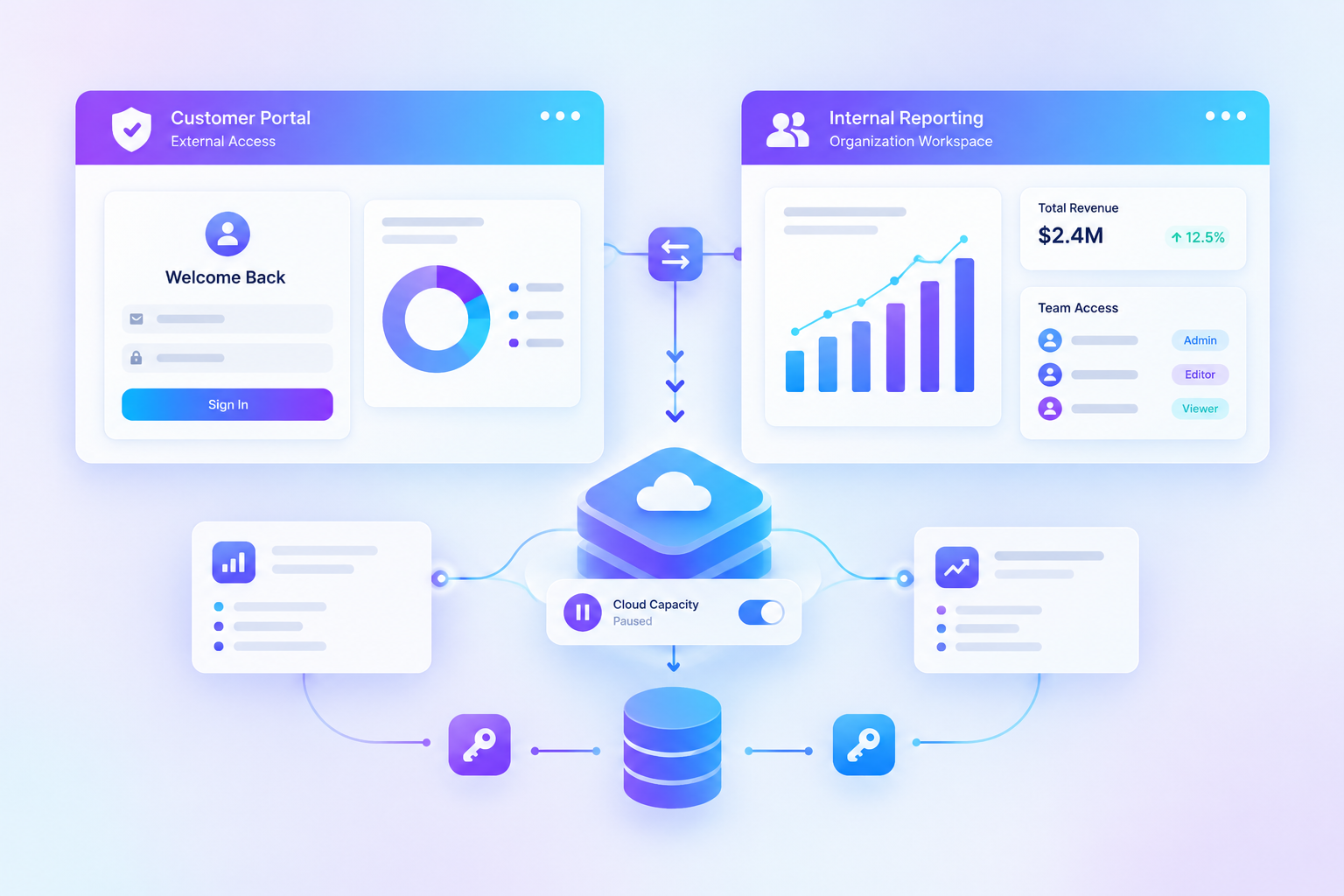


A developer gets a Power BI report working inside an internal portal. It looks fine during testing because everyone on the team already has a Microsoft account and a Power BI license. Then the company opens the portal to its first customer. That person has neither, and the sign-in flow no longer works as planned.
The trouble started long before the customer logged in. Power BI offers two embedding models, and the sample application often decides which one a team uses. A model that works for employees can be a poor fit for a customer portal. The differences are worth settling before anyone builds the sign-in process around the wrong one.
How Teams End Up With the Wrong Model
Microsoft's embed for your organization tutorial uses a signed-in Power BI user. A developer with a Pro license follows it, opens a report, and sees the expected result. The test never reveals what happens when a viewer has no Power BI account.
The organization model expects people to authenticate with Microsoft Entra ID and access content they are allowed to see in Power BI. External customers may not have that access. Embed for your customers works differently: customers sign in to your application, while your back end connects to Power BI on their behalf. Microsoft calls these models user owns data and app owns data in its embedded analytics overview.
Development tokens can hide another problem. Microsoft allows free embed trial tokens for testing, but they are not a production license. Reports keep a Free trial banner until the app uses purchased production capacity. A successful demo is not proof that the deployment is ready for customers.
Why the Choice Matters Now
Microsoft's capacity options have changed as Fabric F SKUs have joined the older Power BI Embedded and Premium choices. Premium P SKUs are also being retired as existing agreements end. A team planning a new portal therefore has to look beyond the license its developers use today. The number of viewers and the way the capacity is billed may change the cost considerably.
Microsoft has also updated its advice on customer separation. For new applications serving several customers, its guidance now starts with dedicated service principals for customer identities. Service principal profiles remain supported and can still suit applications already using them.
Embed for Your Customers vs. Embed for Your Organization
The clearest difference is whose identity Power BI sees. In one model, your application signs in to Power BI. In the other, each person uses their own Microsoft identity. The capacity decision follows from that starting point.
Neither model removes the need to protect the report. The difference is where the user is checked before access is granted. In a customer portal, that responsibility sits with your application. An internal portal works from the access the employee already has in Power BI.
How Authentication Works in Each Model
Embed for Your Customers: The App Has Its Own Identity
A customer signs in to your website using the method you provide. The back end then authenticates to Power BI through a service principal or master user account. After checking what the customer may open, the app requests an embed token and sends it to the browser. The customer sees the report without having to sign in to Power BI.
For a service principal, Microsoft's setup guide describes this process:
The service principal cannot sign in to the Power BI website like a person. It also cannot use My Workspace for this setup. Microsoft recommends certificates over stored application secrets for back-end authentication. Where the application uses a supported Azure hosting setup, newer dedicated-principal designs can use managed identity and federated credentials instead.
Embed for Your Organization: The Viewer Signs In
An internal portal uses the employee's own Microsoft Entra sign-in. The application requests access on that person's behalf, and Power BI checks the content permissions already assigned to them. A report that the employee cannot open in Power BI does not become available merely because it appears inside a different web page.
This suits a company intranet where staff already have Microsoft identities. It also avoids building a second customer account system for an audience that does not need one. For external users without Power BI access, however, it creates work that the customer embedding model was designed to avoid.
If You Don't Want to Build the Customer Login Layer
Reporting Hub provides a branded portal for sharing Power BI reports with external users. It runs inside the customer's Azure environment and supports sign-in through Microsoft Entra ID. Its published plans also list options such as Okta and Auth0, along with OpenID Connect.
Capacity and Licensing: Where the Costs Change
Both models need suitable capacity for a production embedding deployment. What changes is the user licensing on top of that capacity. Embed for your customers does not require a Power BI license for each external viewer. The organization model normally requires Pro or Premium Per User, with an exception for eligible free viewers on P capacity or Fabric F64 and larger.
That F64 line matters. Imagine an internal portal with hundreds of staff who only read reports. On F32, those people generally need paid user licenses. On F64, eligible free users with the right viewing permissions can consume the content without those extra Pro licenses.
Different capacity families also come with different billing rules. Azure A SKUs support usage-based billing and can be paused when not needed. Fabric F SKUs can be paused too, with billing resuming when the capacity starts again. Older EM and P SKUs have different commitments, and P capacity is being retired under Microsoft's agreement-based timetable.
Pausing a capacity is another decision that needs care. A paused A SKU stops billing but can make reports in assigned workspaces unavailable. Microsoft's pause guidance recommends removing workspace assignments before a manual pause to avoid interruptions. Reporting Hub lists a Fabric/Embedded Capacity Manager among its features, but any pause policy needs to match the hours customers actually use the reports. The Azure capacity charge is separate from the Reporting Hub subscription.
Keeping Each Customer's Data Separate
Once outside customers can sign in, report access becomes more than a question of licensing. Customer A must not see Customer B's figures, even if both open the same report design. Power BI offers more than one way to separate their data. The right choice depends on how the application stores customer information.
A smaller portal can use one semantic model with dynamic row-level security (RLS). The app identifies the customer, then passes the right effective identity when it generates the embed token. Power BI uses that identity to filter the model. With a few larger customers, separate roles or models may be easier to manage. Applications with many customer tenants may use separate workspaces and models for stronger operational separation.
Dedicated Service Principals or Profiles?
For new multitenant applications, Microsoft now recommends a dedicated service principal for each customer boundary. Each principal can have its own Microsoft Entra sign-in records and separate workspace permissions. Service principal profiles offer another route: one parent principal creates lighter customer profiles without a separate Entra app registration for each one.
A profile is not an independent Microsoft Entra identity. It does not have its own Entra sign-in record and cannot use Fabric REST APIs. It can still work well for apps that depend on Power BI's profile-aware APIs. Microsoft has not retired profiles, so existing applications do not need to replace them merely because the guidance changed.
The limits matter when customer numbers grow. A service principal is limited to 1,000 workspaces in the documented profile model. One parent can create as many as 100,000 profiles, and each profile can access or create up to 1,000 workspaces. Those numbers do not remove the need to check which customer gets which profile. A mistake in the application's customer mapping can still expose the wrong workspace. Microsoft documents those limits in its profile replacement guide.
A Decision Path Before the First Customer Signs In
A small internal tool and a customer-facing reporting product have different needs. The earlier the team makes that distinction, the less authentication code it has to revisit. These are the decisions worth recording before development moves too far:
Frequently Asked Questions
Do External Users Need Power BI Licenses?
Not with embed for your customers. Users sign in to your application, and the app gets the report through its embedding identity. You still need suitable production capacity, and the people publishing content may need paid licenses.
Can I Use a Service Principal With Embed for Your Organization?
No, Microsoft documents service principal embedding for the app-owns-data model. Embed for your organization uses the signed-in viewer's identity and their existing Power BI access.
Can I Launch With Free Embed Trial Tokens?
No, trial tokens are for development testing. A production embedding application needs purchased capacity, and Microsoft displays a Free trial banner before that capacity is in place.
Which Capacity SKUs Support Embed for Your Customers?
Microsoft's capacity documentation lists A, EM, P, and F SKUs for app-owned embedding. P SKUs are being retired as existing agreements end, so a new deployment should account for current purchasing options. Capacity size and user licensing still need separate checks.
Should Each Customer Have a Separate Semantic Model?
Not always; a shared model with dynamic RLS may be enough for a smaller customer portal. Separate workspaces or models become more useful when customers need their own content boundaries. Microsoft's newer guidance also recommends dedicated customer service principals for new multi-tenant applications, while profiles remain supported.
References
- Microsoft Learn. Power BI Embedded Analytics Overview (User Owns Data vs. App Owns Data). learn.microsoft.com, 2026.
- Microsoft Learn. Embed for Your Customers Tutorial (App Owns Data). learn.microsoft.com, 2026.
- Microsoft Learn. Embed for Your Organization Tutorial (User Owns Data). learn.microsoft.com, 2026.
- Microsoft Learn. Service Principal Setup for Power BI Embedding. learn.microsoft.com, 2026.
- Microsoft Learn. Power BI Embedded Multi-Tenancy Guidance. learn.microsoft.com, 2026.
- Microsoft Learn. Service Principal Profile Migration Guide. learn.microsoft.com, 2026.
- Microsoft Learn. Row-Level Security With Power BI Embedded. learn.microsoft.com, 2026.
- Microsoft Learn. Embedded Analytics Capacity and SKUs. learn.microsoft.com, 2026.
- Microsoft Learn. Pause and Start Power BI Embedded Capacity. learn.microsoft.com, 2026.
- Microsoft Learn. Power BI Premium P SKU Retirement. learn.microsoft.com, 2025.
- Microsoft Learn. Power BI Free Embed Trial Tokens. learn.microsoft.com, 2026.