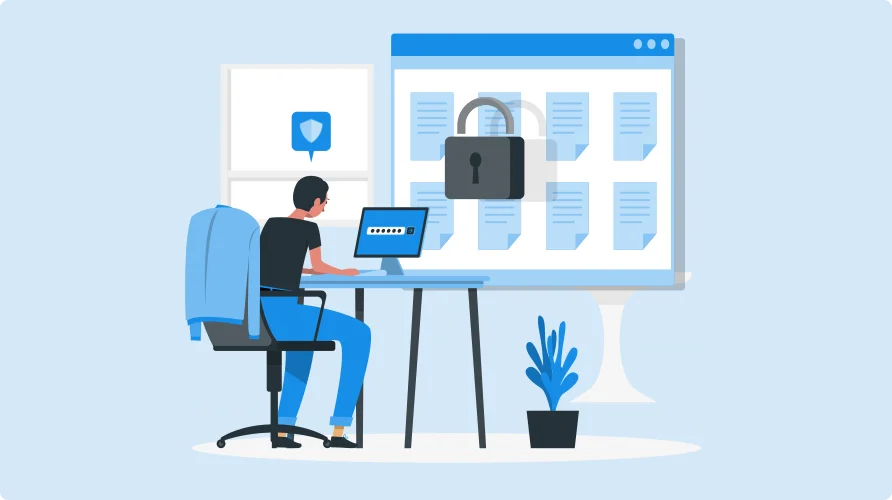


In the high-stakes business intelligence arena, data is your most valuable asset—and protecting it is non-negotiable. For organizations leveraging Power BI Embedded, the challenge isn’t just about presenting data but ensuring that users only see what they’re authorized to see. Row-level security (RLS) isn’t just a technical feature; it’s your digital gatekeeper, transforming how businesses safeguard sensitive information across complex user ecosystems.
The Reporting Hub understands that implementing RLS is like navigating a complex security labyrinth. Our approach cuts through the complexity, offering businesses a streamlined path to robust data access controls. We’ll demystify how RLS can be your strategic ally in embedded analytics, turning potential security vulnerabilities into a competitive advantage.
Ready to get the full potential of secure, intelligent reporting?
Let’s dive into the world of Row-Level Security and discover how it can revolutionize your data strategy.

What is Row-Level Security in Power BI?
Row-Level Security (RLS) is the digital bouncer of your data kingdom—a strategic shield that ensures only authorized eyes access specific information. In the complex world of Power BI, RLS acts as a precision filter, dynamically controlling data visibility by restricting access to individual data rows based on user roles and permissions.
Imagine a reporting system in which a regional sales manager sees only their territory’s data while corporate executives get a comprehensive view—all within the same dashboard. That’s the power of RLS. It transforms how organizations protect sensitive information, delivering personalized, secure data experiences without sacrificing comprehensive insights or system flexibility.

Why is RLS Essential for Power BI Embedded?
When embedding Power BI reports into applications, maintaining control over data visibility is imperative.
Implementing RLS in Power BI Embedded offers several key benefits:




Key Features of Row-Level Security in Power BI



Steps to Implement RLS in Power BI Embedded

- Structure your dataset with key fields (e.g., user IDs and roles) for filtering.
- Establish relationships between tables to enable role-based access.

- Use the “Modeling” tab to create roles.
- Apply DAX filters to define access rules for each role.

- Publish your report and assign roles to users or groups in the workspace settings.

- Leverage Power BI Embedded APIs to pass user credentials and apply security filters dynamically.

Best Practices for RLS in Power BI Embedded


Challenges and Solutions
.webp)
The Reporting Hub: Simplifying Row-Level Security
While RLS is a vital feature for safeguarding data in Power BI Embedded, its implementation can be technically demanding. This is where The Reporting Hub shines.
The Reporting Hub offers a no-code platform for embedding Power BI reports, making RLS implementation intuitive and seamless. With built-in support for Power BI’s RLS framework, Reporting Hub provides businesses with fine-grained control over data access.
Learn more about using Row-Level Security with the Reporting Hub in our docs here.
Key Features of The Reporting Hub:

White-Label Portals
Create branded, secure portals for sharing Power BI reports.

Effortless RLS Management
Easily define and manage user roles with Microsoft-backed security.

Custom Branding
Embed reports into customized portals that align with your brand identity.

Enhanced Collaboration
Enable secure sharing of insights across teams and clients without coding expertise.
Conclusion
Data security isn’t just a technical checkbox—it’s the foundation of trust in modern business intelligence. Row-Level Security in Power BI Embedded represents more than a feature; it’s your strategic weapon for protecting sensitive insights while empowering collaboration.
The Reporting Hub transforms complex security challenges into elegant, user-friendly solutions. We’ve stripped away the technical barriers, creating a platform where data protection meets intuitive design. Now, businesses can confidently share reports, knowing that each user sees what they should—nothing more.
Ready to take control of your Power BI data security?
Get a Reporting Hub free trial today and revolutionize how you share insights with Power BI Embedded!